
Review with
intention.
When a period ends, we look back at it together. That third DoorDash order? Skip it next time. Every skip drops a marshmallow in the bank. Go ahead, try it.
smore helps you set a simple savings goal, stick to it, and learn a little about money along the way.
Get smore


Set one number and pick your rhythm: weekly, every two weeks, twice a month, or monthly.
Set your goal
How much will I save?
Review with intention
What will I avoid next time?
Track your spending
How did I do?
We connect to your bank and credit cards, pull everything into one place, and do the math for you.

Goals are personal, and life changes quickly. We want you to set a goal that works for you while encouraging you to keep looking at where you are spending your money and growing your savings.

When a period ends, we look back at it together. That third DoorDash order? Skip it next time. Every skip drops a marshmallow in the bank. Go ahead, try it.
Test it out!
Hit your goal
Last month, you saved $351.55.
Tap a visit to skip it.
In the bank $0.00
$48.45 short of your goal of $400.00
We’ll nudge you a few times each period to see how you’re doing. Near the end, your progress sits right on your lock screen to keep your goal top of mind.
Goals stick better when someone else knows about them. Send your progress or your new goal to someone you trust, in a card that looks like you.
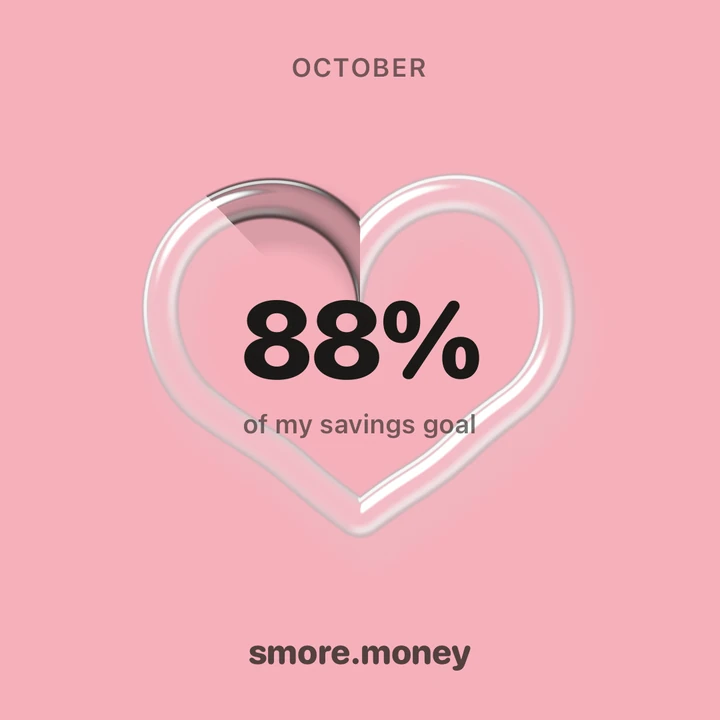
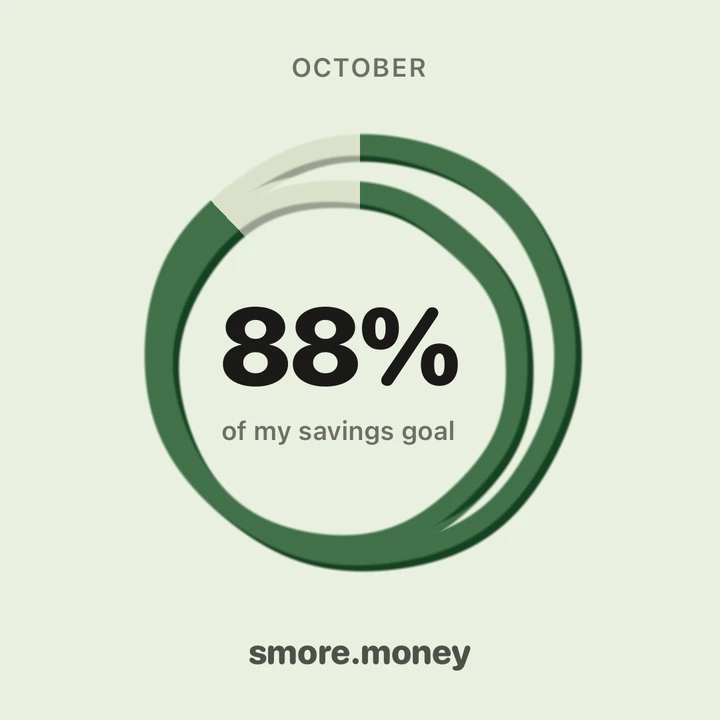
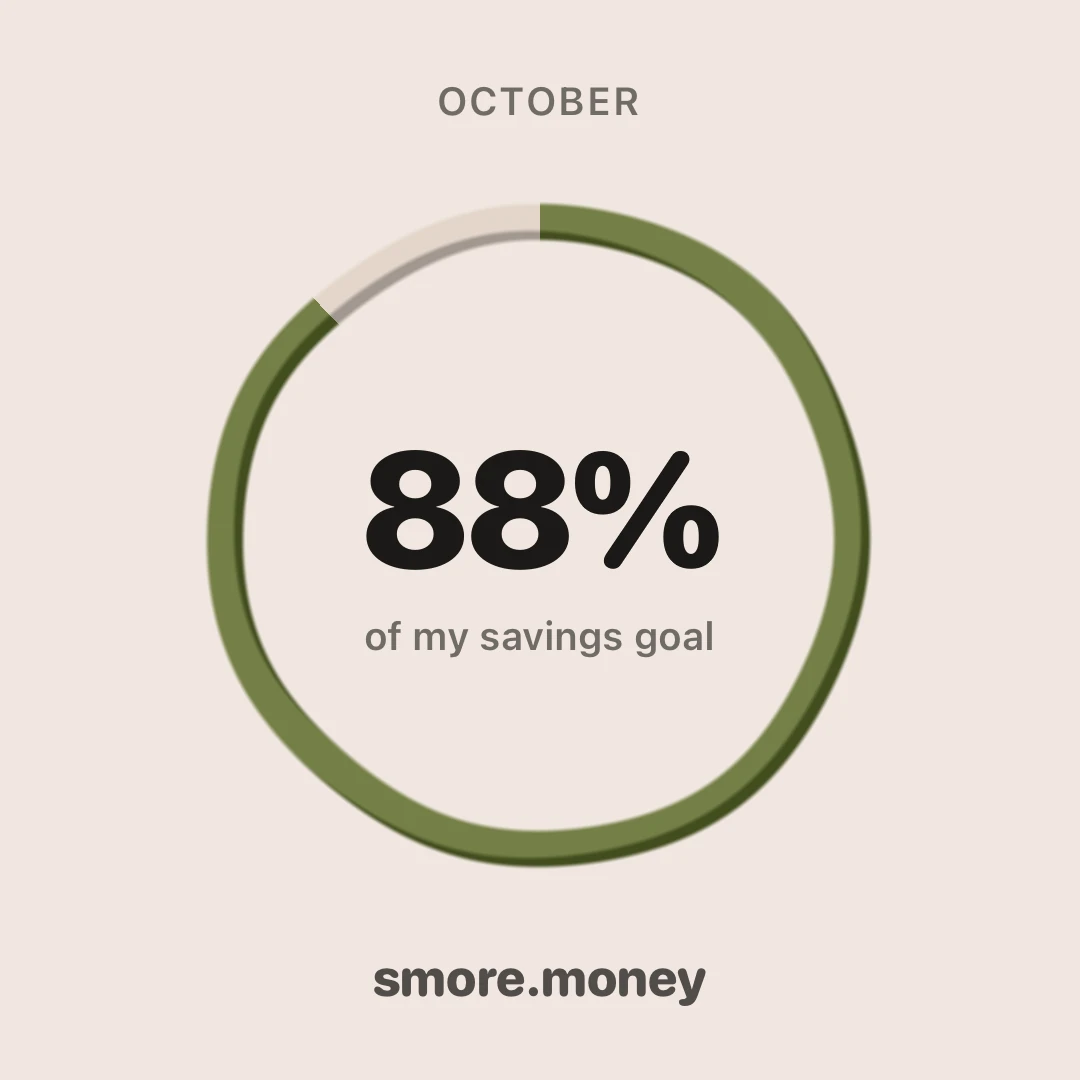

Coming soon to the App Store. Want in early? Hit Get Started.
No. smore opens on a sample month, so you can poke around first: set a goal, skip a few coffees, and see how it feels. Connect your accounts whenever you’re ready to start planning and saving.
Most of them. We connect through Plaid, which works with most banks and credit cards in the United States. If yours isn’t there, tell us.
Not the spreadsheet kind. Most of us have started one of those and given up by week two. We are believers in setting one number for how much you want to save in a period, setting your fixed and variable expenses, then managing your variable spending. smore tracks your spending and sorts everything into categories for you, so you don’t have to.
Whatever matches how you get paid: every week, every two weeks, twice a month, or once a month. We’ll nudge you along the way, and near the end your progress shows up on your lock screen as a percent, never your balance.
It happens to all of us. The ring shows how far off you are, plainly, and that’s it. No scolding. When the period ends you look back, pick a few places you know you can skip for next time, and set your next goal. Every period is a fresh start.
A lot of personal finance apps in the market are starting to leverage AI assistants to help people manage their money. We think it has its uses, but it removes an important layer for us: doing the work to look at what we are spending. We use AI to make categorization better, but that’s all. No chatbots here, unless popular demand wants it.
We are here to help you grow your savings and spend less over time. At the end of the day, that’s something we all have to take on for ourselves. The robots (at least right now) aren’t walking into the store and buying things for us.
We take this one seriously. Your transactions stay on your phone, there’s no account to break into, and nothing is sold. Your money is your business, not ours. How smore keeps your data private.